
- DETAILS
- HOW TO USE
- FAQ’S
A mirror text generator is an online tool that flips, reverses, or reflects your text to create eye-catching styles. It is widely used for creative writing, social media posts, designs, T-shirts, and fun experiments with typography. Instead of typing letters one by one, you can instantly convert normal text into mirrored letters that are ready to copy and paste anywhere.
What Is a Mirror Font Generator?
A mirror font generator converts standard text into a reversed or reflected version using Unicode symbols. These symbols look like real mirrored letters, so they work across most platforms without installing fonts.
Many people also search for a font mirror generator or mirror text font generator, but the concept is the same—transforming text visually while keeping it readable.
How a Reverse Text Generator Works
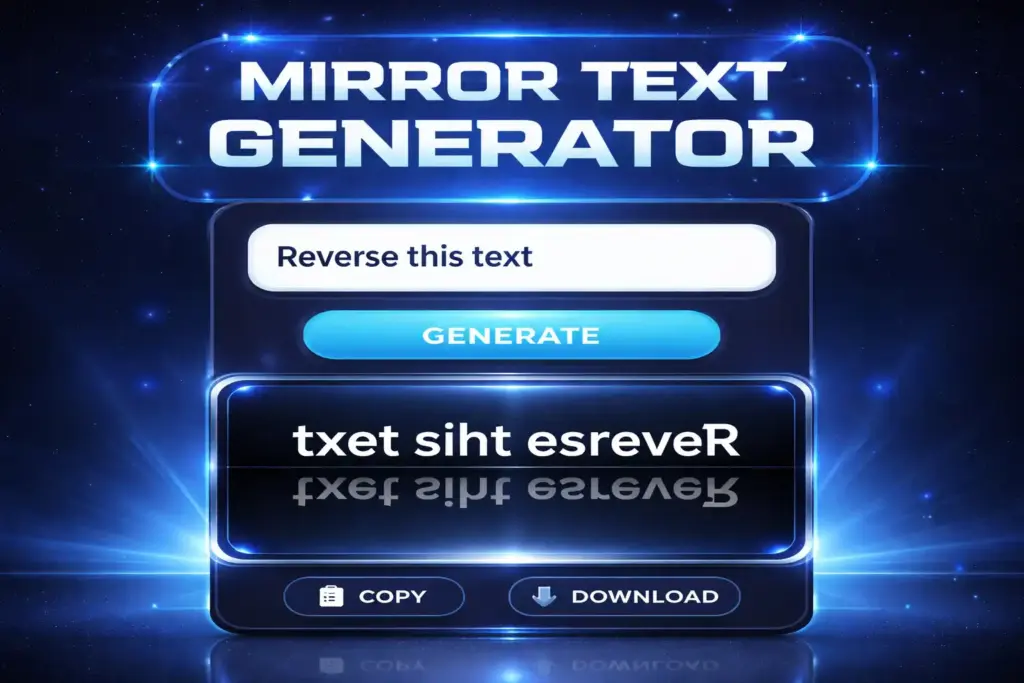
A reverse text generator changes the order of characters so your text appears backward. Some tools combine reversing with flipping, which makes the text look like it’s seen in a mirror. This is especially useful for logos, artistic captions, and playful messages.
Popular Uses of Mirror Text
Mirror text is more than just a novelty. It has practical and creative uses across different fields.
Mirror Text Copy and Paste
One of the biggest advantages is mirror text copy and paste. You generate the text once and paste it into WhatsApp, Instagram bios, Facebook posts, or documents without formatting issues.
Mirror Text in Word
Many users want mirror text in Word but struggle with manual settings. A mirrored text maker simplifies this by giving you ready-made mirrored letters that can be pasted directly into Microsoft Word without changing page layout or text direction.
Advanced Mirror Text Styles
Modern tools offer more than simple reversal. You can explore multiple visual effects depending on your needs.
Vertical Mirror Text Generator
A vertical mirror text generator flips text top to bottom instead of left to right. This style is popular in artistic designs and experimental typography.
Upside Down Mirror Text Generator
An upside-down mirror text generator rotates characters so they appear inverted. This is often used for fun messages, puzzles, or unique usernames.
Mirror Text Generator Cursive
Some tools support mirror text generator cursive styles, combining elegant handwritten fonts with mirrored effects. This is ideal for aesthetic posts and creative branding.
Mirror Text Generator for Shirts and Design
A mirror text generator for shirts is commonly used in fashion printing. Designers use mirrored text for symmetrical designs, reflections, or hidden messages that reveal meaning when viewed in a mirror. This style is popular in modern streetwear and custom merchandise.
Mirror Text Symbols and Special Characters
Mirror tools rely on mirror text symbols, which are Unicode characters that visually resemble flipped letters. Because they are symbols, they work across browsers, apps, and devices without compatibility issues.
Mirror Image Generator vs Mirror Text Generator
A mirror image generator flips images, while a mirror text generator focuses only on characters. Text generators are faster and lighter because they don’t create images—just copy-ready text.
Mirror Text Generator Free Tools
Most users look for a mirror text generator option. Free tools usually provide instant conversion, no signup, and unlimited usage, making them ideal for daily creative needs.
Mirror Text Lingojam and Similar Tools
Many people search for mirror text Lingojam because it’s known for text transformations. Similar tools offer the same functionality with added styles like black mirror font generator, cursive, or upside-down effects.
Final Thoughts
A mirror text generator is a simple yet powerful way to transform plain text into something visually striking. Whether you need reversed text, mirrored fonts, vertical flips, or stylish symbols, these tools make the process fast, free, and beginner-friendly. With easy copy and paste support, mirror text works smoothly across social media, documents, and design projects.
How to Use a Mirror Text Generator
Open any Mirror Text Generator tool in your browser.
Find the main text input box on the page.
Type your text or paste the text you want to mirror.
Choose the mirror style you want, such as reverse, vertical, upside down, or cursive mirror text.
The mirrored text will be generated instantly in the output box.
Click on Copy to copy the mirrored text.
Paste the mirrored text anywhere you need, like social media, Word documents, designs, or T-shirt prints.
FAQs
A mirror text generator is an online tool that converts normal text into mirrored or reversed characters. It helps users create stylish text for social media, designs, documents, and creative projects. The tool works instantly, supports copy and paste, and does not require installing fonts or software, making it simple and accessible for everyone.
A mirror text generator is an online tool that flips or reverses normal text into mirrored letters for creative and decorative use.
Yes, most mirror text generators are completely free and do not require signup or installation.
Yes, mirrored text can be copied and pasted into social media, websites, documents, and design tools.
Yes, mirror text works in Word because it uses Unicode characters, not images or fonts.
Reverse text changes the letter order, while mirror text flips letters to look like a reflection.
Yes, many tools support vertical mirror text and upside-down mirror text styles.
Yes, mirror text is safe and supported on most social media platforms like Facebook and Instagram.
Some letters don’t have perfect mirror Unicode symbols, so similar-looking characters are used instead.